Site evaluations
Know how every site is doing, and which ones need a visit.
Capture site evaluations on a phone, see scores and trends, and keep open findings in front of you until they are closed. Required visits are tracked per site, so nothing falls behind.
- Evaluations on a phone
- Scores and trends
- Required visits per site
What Patrolly does
Evaluations on a phone
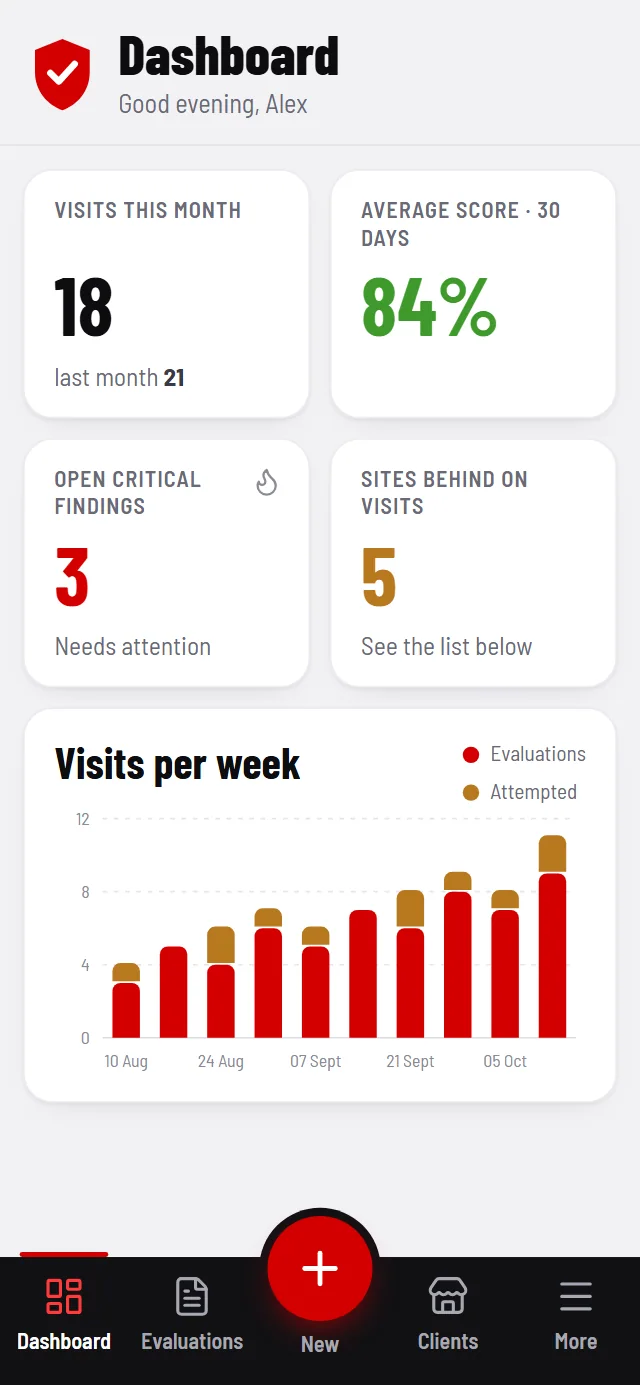
Start an evaluation in one tap from anywhere in the app, and capture it on site.
Scores and trends
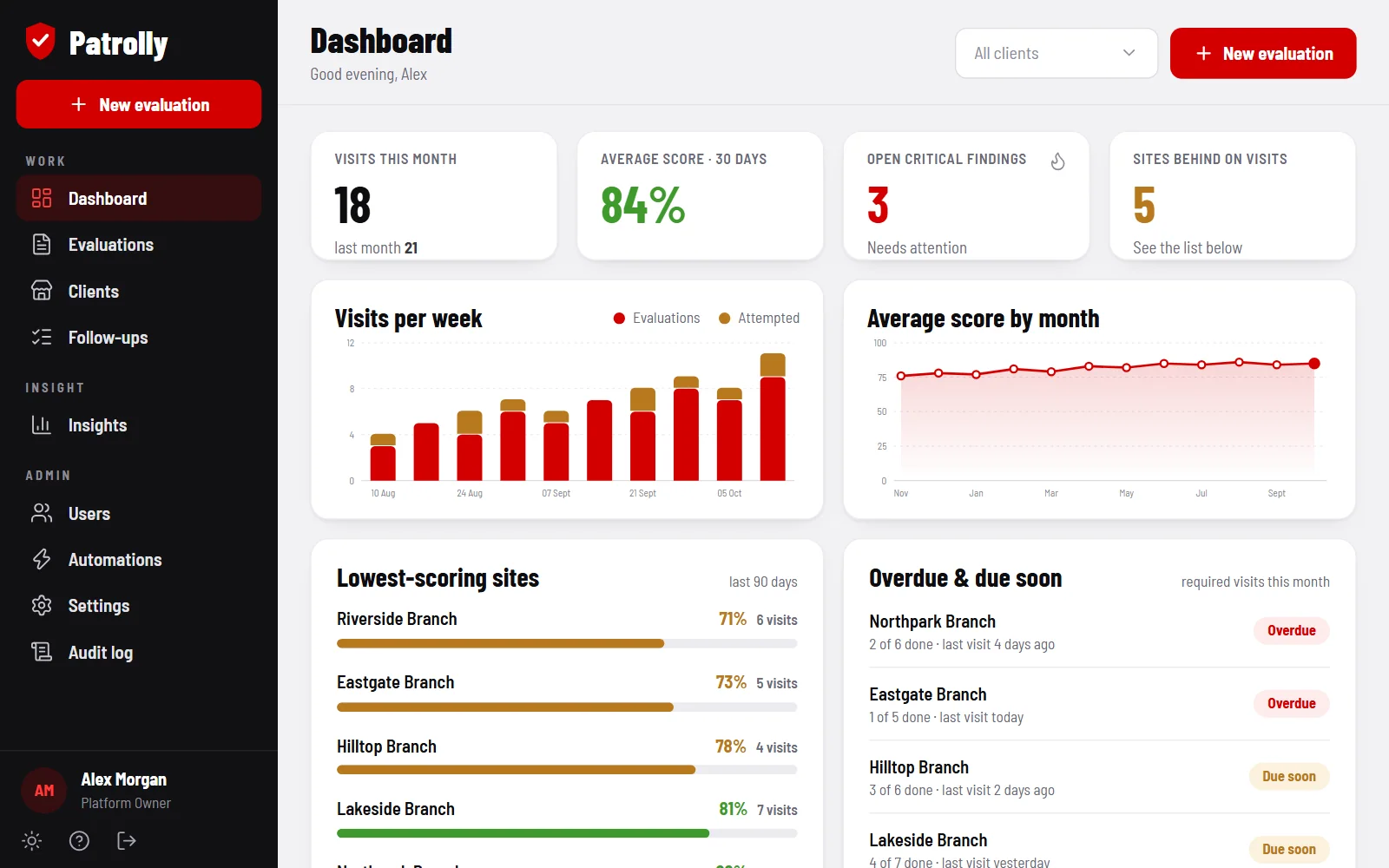
Every evaluation produces a score. Track the average over 30 days and month by month.
Critical findings
Open critical findings are counted on the dashboard and followed up until they are closed.
Required visits
Set the visits each site needs every month, and see who is behind.
Lowest scores first
A ranked list of the lowest-scoring sites over the last 90 days shows where to go next.
Clients and brands
Filter by client or brand, and keep every evaluation, follow-up and change in an audit log.
Many sites, one view
The questions every visiting team asks.
When a team visits dozens of sites, the same questions come up every month. Who has been visited, and who has not? How did each site score? What is still open from the last visit? Where should we go next?
Patrolly answers them from one dashboard, built from evaluations captured on site on a phone.
How it works
- Set upThe sites, and the visits each one needs every month.
- VisitCapture an evaluation on site, on a phone.
- ScoreEvery evaluation produces a score, and trends build up.
- Follow upCritical findings stay open until they are closed.
From visit to follow-up
How Patrolly works for a visiting team.
Capture on site
Start an evaluation in one tap from anywhere in the app, and capture it on site, on a phone.
Scores and trends
Every evaluation produces a score. The dashboard shows visits this month, the average score, weekly visits and monthly scores, so you can see whether sites are improving.
Critical findings
Open critical findings are counted on the dashboard and followed up until they are closed.
Required visits
Set the visits each site needs every month, and see which sites are behind.
Where to go next
A ranked list of the lowest-scoring sites over the last 90 days shows where to go next. Filter by client or brand, and every evaluation, follow-up and change is kept in an audit log.
Who it’s for
Teams that visit and score many sites, such as security, merchandising and compliance.
Screens show sample data. Teams that visit sites differ in what they check and how they score. The demo we build is shaped around your evaluation, your clients or brands and your branding.
Patrolly: common questions
Can we set how many visits each site needs?
Yes. You set the visits each site needs every month, and Patrolly shows which sites are behind.
How do we know which sites to visit next?
The dashboard ranks the lowest-scoring sites over the last 90 days, and shows the sites that are behind on their required visits.
What happens to a critical finding?
Open critical findings are counted on the dashboard and followed up until they are closed.
Can we look at one client or brand at a time?
Yes. You can filter by client or brand, and every evaluation, follow-up and change is kept in an audit log.
What does it cost, and how do we try Patrolly?
There is no once-off cost. We build you a free live demo with a login to test, and you pay a monthly fee for hosting, maintenance and support. Message us how you work, as text or a voice note, and we will tell you the monthly figure.
See Patrolly built for you.
Send us your requirements on WhatsApp, as text or a voice note. We build you a free live demo to log in to and test.